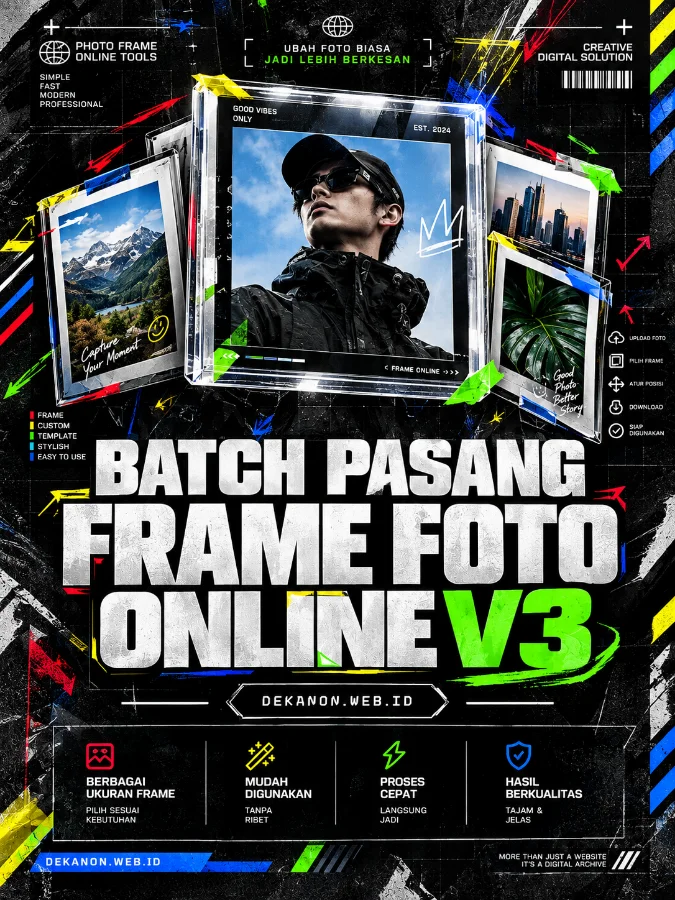
A commercial-grade award-winning graphic design poster with a 3:4 aspect ratio. The design aesthetic is a fusion of Streetwear, Editorial Magazine, and Neo Brutalism. The composition is strictly centered with a focus on visual hierarchy and high-end typography. The Main Headline 'Batch Pasang Frame Foto Online V3' is rendered in massive, bold, straight sans-serif lettering (no tilt, perfectly horizontal) at the center of the frame, utilizing a high-contrast black and white palette. Below the headline, the Sub-Heading 'DEKANON.WEB.ID' is placed in a clean, smaller monospace font inside a minimalist border. The background features subtle industrial textures, glass refraction effects representing photo frames, and a harmonious palette of deep charcoal, crisp white, and a sharp electric cobalt accent. The overall look is a 4k resolution masterpiece, mimicking a premium fashion magazine spread. Key visual elements include raw grid lines, thick brutalist borders, and sharp shadows. Lighting is clean and studio-quality. --ar 3:4
Ingin mengedit banyak foto sekaligus dengan bingkai, ukuran kustom, dan format berbeda secara instan? Ikuti panduan praktis menggunakan tool online ini:
Upload Foto: Klik area upload foto untuk memilih hingga 30 gambar sekaligus (mendukung format JPG, PNG, WebP, atau AVIF).
Upload Frame: Masukkan file PNG transparan untuk dijadikan bingkai/overlay di atas foto Anda.
Atur Ukuran & Format: Pilih ukuran output yang diinginkan—mulai dari default lebar 675px, resolusi asli, hingga custom ukuran pixel. Tentukan juga format hasil akhir sesuai kebutuhan, seperti WebP, PNG, JPEG, AVIF, atau BMP.
Proses & Download: Klik tombol konversi untuk mulai memproses semua gambar secara otomatis, lalu unduh file hasil gabungannya melalui tombol "Download Semua".