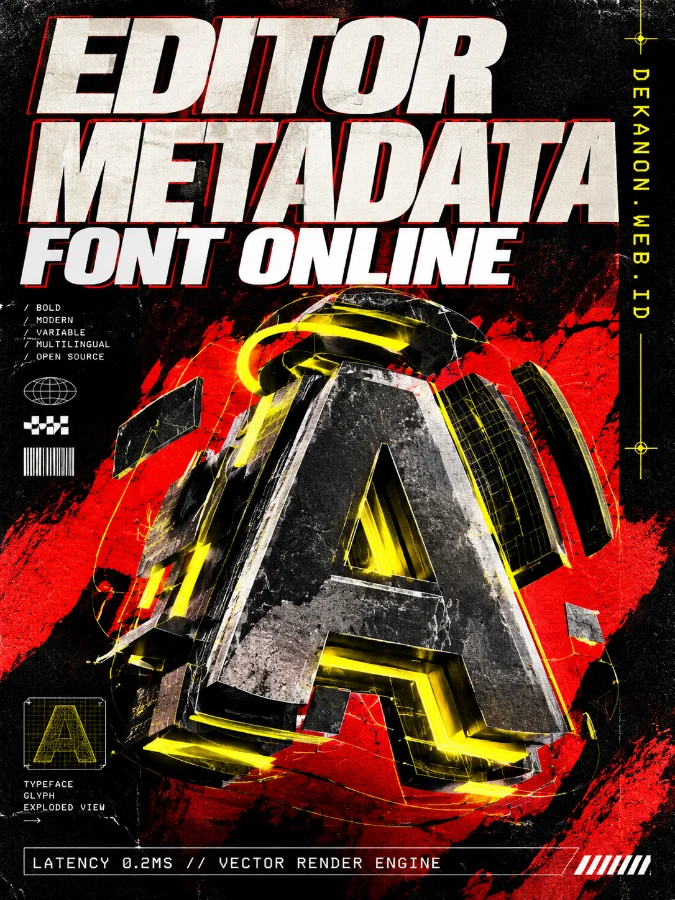
A high-end commercial product poster with a 3:4 aspect ratio, designed in a fusion of Streetwear, Neo Brutalism, and Editorial Magazine styles. The composition features a bold visual hierarchy. The main headline 'Editor Metadata Font Online' is rendered in massive, distorted heavyweight sans-serif typography at the top, utilizing a high-contrast black and white color scheme with red outlines. Below it, the sub-heading 'DEKANON.WEB.ID' is placed vertically along the right margin in a yellow monospaced font, mimicking digital code. The central visual focus is an abstract, 3D exploded view of a font glyph, glowing with yellow neon accents against a deep black and vibrant red background. Small technical details including 'LATENCY 0.2MS // VECTOR RENDER ENGINE' are placed at the bottom in a clean, white editorial grid. The overall aesthetic is commercial grade, award-winning design, 4k resolution, featuring raw textures, harsh shadows, and paper grain overlays typical of high-fashion streetwear lookbooks. Lighting is dramatic, with sharp yellow rim lights highlighting the typography. --ar 3:4
👁 142
Home
/
Webapp | Font Tools /
Editor Metadata Font Online – Ubah Data Info |
DekaNon Labs
| DKN//
22.10.2026
Editor Metadata Font Online – Ubah Data Info
Labels
Web App
★☆☆☆☆ |
Experimental |
Features may change.
Editor Metadata Font
Ubah nama font, nama pembuat (author), dan perusahaan pada file font.
Sesuaikan Metadata Font
Panduan & Informasi Penggunaan
A. Cara Menggunakan
Unggah file font berformat .ttf atau .otf yang ingin Anda modifikasi.
Sistem akan membaca informasi asli dari file font tersebut secara otomatis.
Isi kolom Nama Font, Author, dan Perusahaan (Company) sesuai keinginan Anda.
Klik tombol Terapkan & Unduh Font Baru untuk memproses dan mengunduh file font yang sudah diperbarui.
B. Catatan Teknis Pratinjau Windows
Beberapa file font hasil kompilasi web viewer terkadang tidak memunculkan teks uji coba bawaan Windows pada jendela klik dua kali (*preview*), namun font tetap dapat di-install dan digunakan secara normal pada software desain.