Cara Menggabungkan Foto dan Frame PNG Secara Massal ke Format PNG
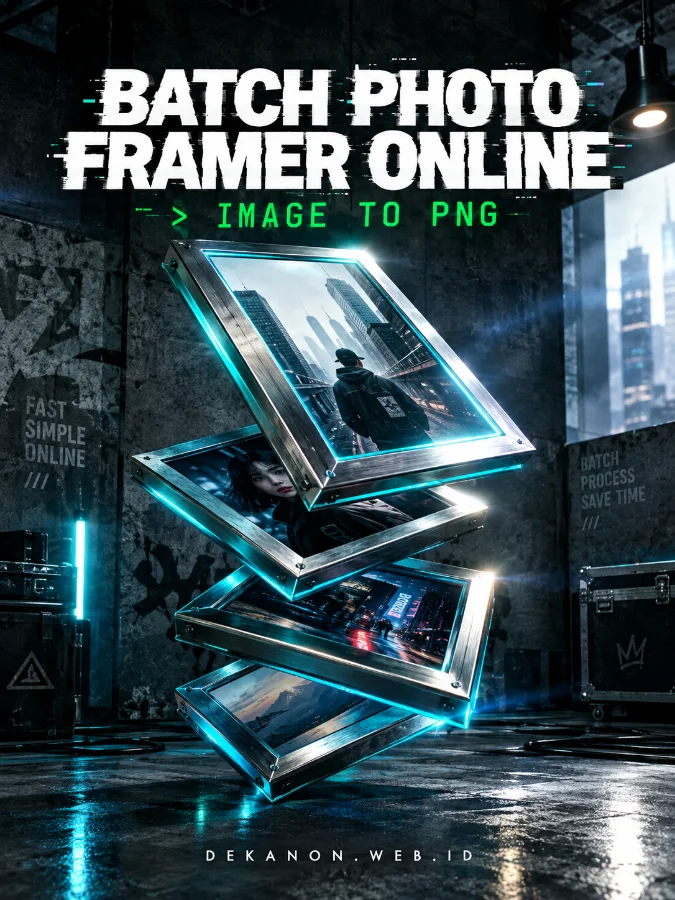
Membuat bingkai (framing) pada banyak foto sekaligus kini lebih mudah dan cepat menggunakan tool berbasis web interaktif ini. Anda tidak perlu lagi mengedit foto satu per satu secara manual di aplikasi desain yang berat. Tool ini mendukung berbagai jenis format gambar sumber seperti JPG, PNG, WebP, dan lainnya, lalu menggabungkannya dengan frame transparan dan menyimpannya ke dalam format PNG.
Panduan Langkah Penggunaan:
- Upload Foto Utama (Batch): Klik pada area Upload Foto (nomor 1) atau seret dan letakkan (drag & drop) foto Anda.
- Anda bisa mengunggah hingga 30 foto sekaligus dari berbagai format gambar (JPG, JPEG, PNG, WebP, dll.).
- Upload Frame Transparan: Klik pada area Upload Frame PNG (nomor 2).
- Masukkan file gambar frame atau bingkai dengan format PNG Transparan (disarankan memiliki rasio 3:4 agar pas dengan foto).
- Pratinjau Otomatis: Sistem akan menampilkan pratinjau (preview) gabungan foto dan frame secara real-time pada halaman web.
- Proses Konversi: Klik tombol "Convert Semua ke PNG". Sistem akan memproses seluruh foto secara otomatis menggunakan teknologi HTML5 Canvas di browser Anda.
- Unduh Hasil (Download): Setelah proses selesai, klik tombol "Download Semua" untuk mengunduh seluruh hasil foto berbingkai. Nama file asli akan dipertahankan dengan ekstensi baru .png.
Keunggulan Tool Ini: Tanpa Instalasi: Berjalan langsung di browser tanpa perlu menginstal aplikasi tambahan.
Mendukung Semua Format Gambar: Bebas upload foto dari format apa saja.
Pertahankan Nama File: Nama file asli Anda aman dan tidak berubah, hanya format filenya yang dikonversi menjadi PNG.
Privasi Aman: Proses pengolahan gambar terjadi secara lokal di perangkat Anda, sehingga data foto tetap terjaga kerahasiaannya.