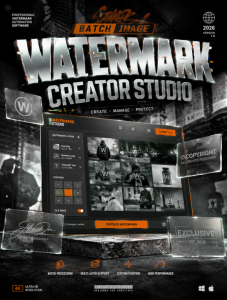
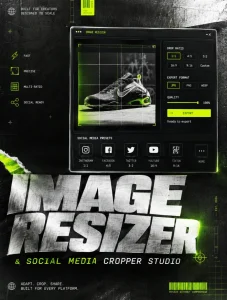
This design direction bridges the gap between **high-end web development tools** and the **raw, rebellious aesthetic of urban streetwear culture**.
### 1. [Visual Prompt]
> **Prompt for Midjourney/DALL-E:**
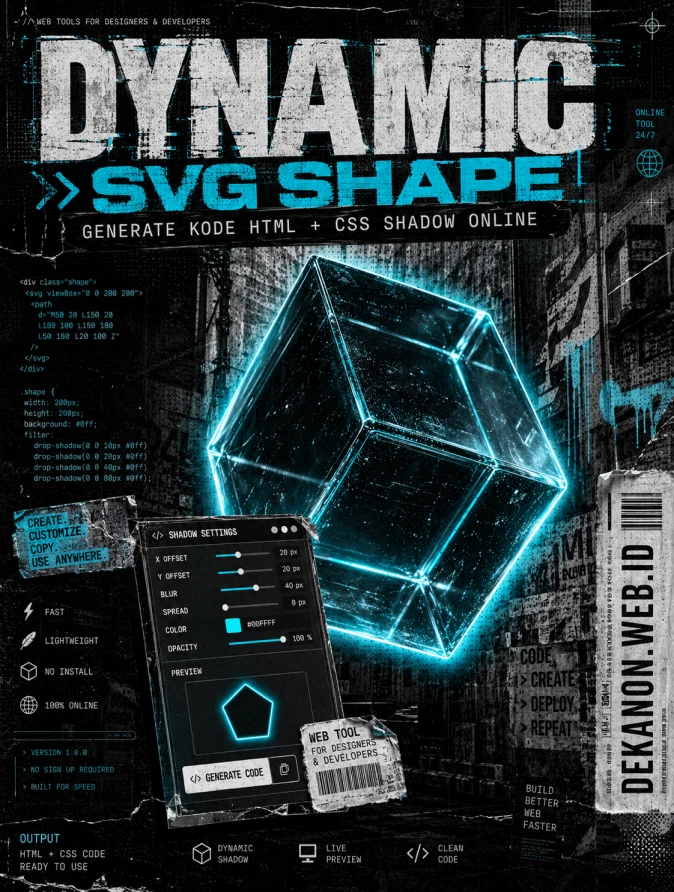
> A high-impact professional graphic design for a streetwear-style poster. The central focus is a distorted, floating 3D geometric glass cube with intense, multi-layered neon-cyan "outer glow" shadows that bleed onto a raw concrete background. The aesthetic is "Brutalist Urban Grunge": heavy film grain, xerox-scanned textures, distressed paper edges, and halftone dot patterns. In the background, faint technical grid lines and abstract HTML/CSS code snippets are "wheat-pasted" onto a dark alley wall. High contrast, monochrome palette with electric cyan accents. Low-angle shot, cinematic lighting, ultra-detailed textures, 8k resolution, raw energy, anti-design style. --ar 4:5 --v 6.0
---
### 2. [Agency Layout Tip]
To maintain the **Streetwear Grunge** aesthetic while ensuring the tool remains professional, follow this layout hierarchy:
* **The "Hero Title" (Dynamic SVG Shape...):** Use a bold, stretched sans-serif font (like *Impact*, *Druk*, or *Monument Extended*). Place it at the top, slightly overlapping the central graphic. Apply a "glitch" or "offset" effect to the text to match the raw energy.
* **The "Sub-title" (Generate kode HTML...):** Place this directly under the Hero Title or inside a "black tape" box (like a Dymo label) for high contrast. Keep the font clean and monospaced (like *JetBrains Mono*) to signal "coding/tools."
* **The "Product/UI" Element:** Don't just show a shape; show a "UI Window" that looks like a sticker slapped onto the design. This window should show a preview of the CSS shadow settings.
* **The URL (DEKANON.WEB.ID):** Position this vertically on the right margin or at the very bottom center, styled to look like a **barcode** or a shipping label. This reinforces the "Streetwear/Logistics" look.
* **Finishing Touch:** Add a "scanline" or "dust & scratches" overlay over the entire final composition to tie the digital UI and the gritty background together.
👁 71
Home
/
Webapp /
Dynamic SVG Shape & CSS Box-Shadow Studio |
DekaNon Labs
Dynamic SVG Shape & CSS Box-Shadow Studio
Labels
Web App
🎨 CSS Box-Shadow & Shape Studio
Desain elemen visual, mainkan bayangan, dan salin kode CSS/HTML instan untuk proyek web Anda.
🎛️ Pengaturan Elemen
16px
👤 Efek Bayangan (Box Shadow)
0px
15px
30px
30%
Dynamic SVG Shape & CSS Box-Shadow Studio
Pengguna bisa mendesain elemen visual (mengubah radius sudut, warna gradasi, arah bayangan/box-shadow, hingga memilih dekorasi bentuk ikon SVG dasar) secara instan menggunakan slider, lalu sistem akan langsung men-generate kode HTML & CSS siap pakai yang tinggal mereka salin (copy-paste).
Visual Murni: Pengguna dapat melihat dampak perubahan efek bayangan (kedalaman blur, posisi miring, kepekatan) dan lengkungan objek secara instan pada kanvas grid tanpa lag.
Sangat Membantu Blogger / Desainer: Sering kali orang kebingungan meracik kode CSS bayangan yang halus (soft shadow). Tool ini menghasilkan kode generator ter-optimasi secara otomatis.
💬 Feedback (0)
📢 Latest Update
Tombol Download QR Code (.png): Hasil QR Code yang digenerate sekarang bisa langsung diunduh secara instan dalam format file PNG berkualitas tinggi.
Pilihan Tingkat Kerumitan (Error Correction Level): Ditambahkan kontrol untuk memilih tingkat kerumitan QR Code (Rendah / Sedang / Tinggi). Secara default sudah diset ke Sedang (Medium) agar tampilan garis-garis barcodenya tidak terlalu padat/rumit, namun tetap sangat mudah di-scan oleh kamera HP.