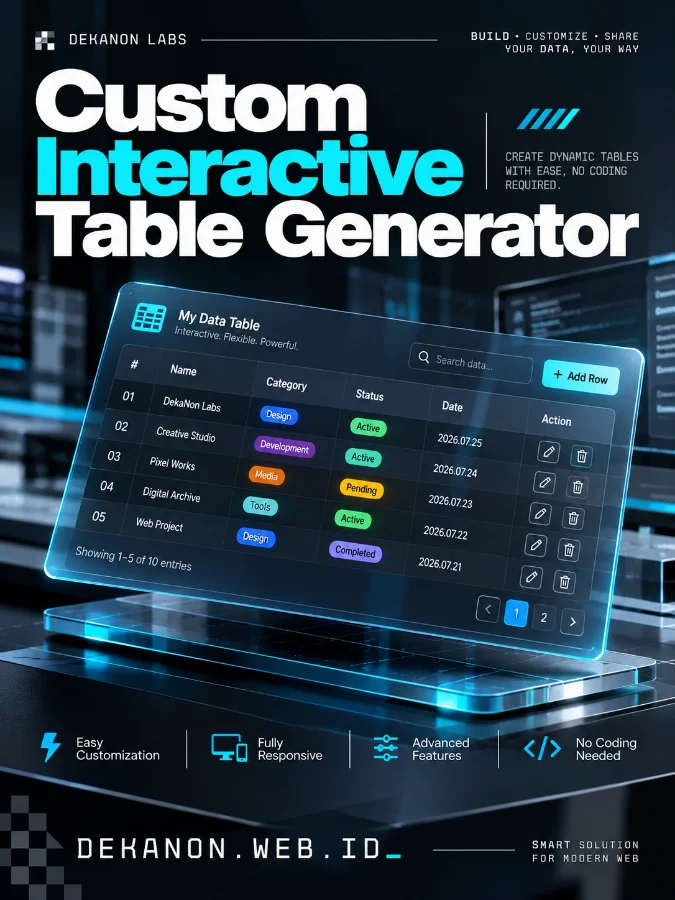
A high-end commercial product poster for a 'Custom Interactive Table Generator', designed in a Modern Editorial Magazine style. The composition features a sophisticated visual hierarchy with the Main Headline 'Custom Interactive Table Generator' positioned at the top in a bold, clean sans-serif typeface. The background showcases a hyper-realistic, 3D floating interface of a data table with translucent glass layers, glowing blue data points, and sharp grid lines. In the lower third, the body copy 'DEKANON.WEB.ID' is integrated with architectural precision in a sleek monospace font. The color palette is a harmonious professional mix of deep obsidian, cyan accents, and crisp white highlights. Lighting is studio-quality with soft edge-lights and global illumination, creating a tactile sense of depth. Award-winning design, 4k resolution, masterpiece quality, commercial-grade photography, minimal white space, sharp focus on UI elements. --ar 3:4
Ubah Nama Kolom: Klik langsung pada teks nama header (misal: "Nama" diubah menjadi "Kategori"), lalu klik di luar header. Nama kolom di seluruh baris otomatis terupdate.
Tambah/Hapus Kolom: Klik tombol + Kolom Baru untuk menambah kolom di sisi kanan, atau klik tanda ✕ pada header untuk menghapus kolom tertentu.
Set Jumlah Baris: Masukkan jumlah baris yang diinginkan (misal: 365, 30, atau 100) lalu klik Apply.
Keamanan Data (Anti Hilang Cache):
Auto-Save Local Storage: Setiap karakter yang Anda ketik langsung tersimpan di browser tanpa perlu klik tombol save.
Fitur Import JSON (Restore): Jika cache browser terhapus atau Anda pindah dari laptop ke HP, cukup klik Import JSON dan masukkan file backup yang sudah diunduh sebelumnya. Data akan kembali utuh.
Export CSV: Gunakan tombol ini jika Anda ingin mengolah data lebih lanjut di Microsoft Excel / Google Sheets.