@Create image
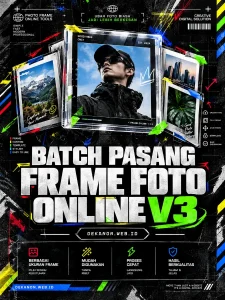
This design strategy blends high-tech utility with the raw, rebellious aesthetic of urban streetwear culture. The goal is to make a "technical tool" look like a piece of underground art.
### 1. [Visual Prompt]
**Midjourney / DALL-E 3:**
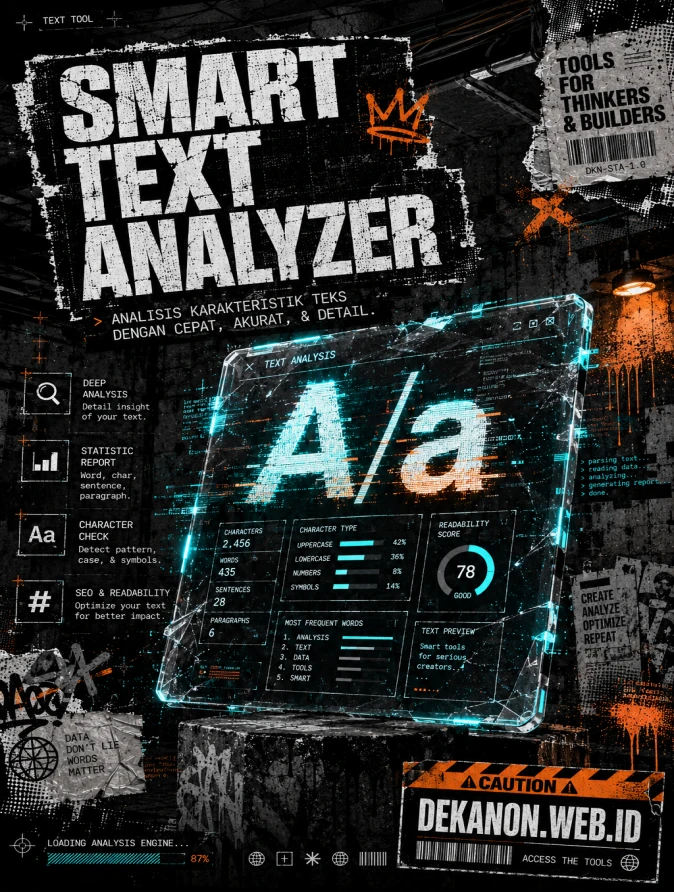
> A high-impact professional flyer background for a digital text tool, Streetwear Grunge aesthetic. The composition features a central floating transparent glass tablet displaying glitchy "A/a" typography and data code blocks. The environment is a dark, gritty urban concrete basement with flickering neon cyan and industrial orange lighting. Visual textures include heavy xerox grain, distressed paper edges, halftone patterns, and subtle spray-paint drips. High contrast, brutalist graphic design style, raw energy, cinematic shadows, 8k resolution, inspired by 90s underground zine culture and modern acid graphics. --ar 4:5 --v 6.0
---
### 2. [Agency Layout Tip]
To maintain the "Streetwear Grunge" look without sacrificing the readability of your professional tool, follow this hierarchy:
- **Hero Title (Smart Text Analyzer...):** Place this in the upper third of the layout. Use a **heavy, distorted sans-serif font** (like *Impact* or *druk*) with a "knockout" effect (white text on a black textured block) to mimic a streetwear label or sticker.
- **Sub-title (Analisis karakteristik...):** Place directly beneath the title in a much smaller, **clean monospaced font** (like *Roboto Mono* or *Courier*). This creates a "coding/technical" contrast against the messy grunge background.
- **The "Product" Visual:** Ensure the center of the image remains relatively clear of small text so the AI-generated "glitchy typography" can act as the main visual hook.
- **Footer (DEKANON.WEB.ID):** Place this at the very bottom, aligned to the right. Use a **vertical "barcode" style layout** or a small "Caution" tape graphic background to make the URL pop while staying on-theme.
- **Color Palette:** Stick to Deep Charcoal, Slate Grey, and a single high-visibility "Action Color" (like Neon Lime or Cyber Orange) for the buttons/links.
Analisis karakteristik tulisan Anda secara real-time dan ubah format font secara instan.
0Kata
0Karakter
0Paragraf
0mWaktu Baca
Smart Text Analyzer & Case Converter Studio
Tool ini bukan sekadar penghitung kata saja. Begitu pengguna mengetik atau menempelkan teks, sistem akan menganalisis karakteristik teks secara real-time (menghitung jumlah kata, karakter dengan/tanpa spasi, jumlah paragraf, hingga estimasi waktu baca). Selain itu, terdapat tombol pintas sekali klik untuk mengubah format teks (menjadi HURUF BESAR SEMUA, huruf kecil semua, Kapital Di Setiap Kata, atau membalik teks).
Mengapa Tool Ini Sangat Bermanfaat?
Optimasi SEO & Menulis: Sangat berguna bagi siapa saja yang ingin mengecek panjang artikel atau takarir (caption) media sosial agar tidak melebihi batas karakter.
Fungsionalitas Ringan: Tidak membebani server WordPress sama sekali karena seluruh kalkulasinya diproses langsung di browser pengunjung melalui JavaScript murni.