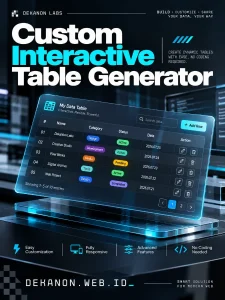
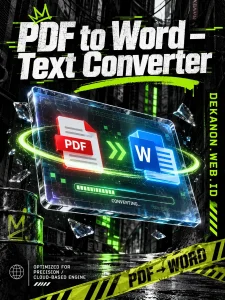
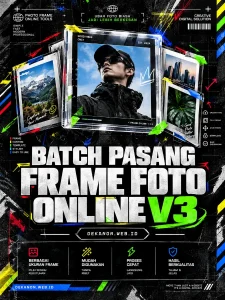
This is a high-impact design concept that bridges the gap between utilitarian "SaaS" tools and the raw, edgy aesthetic of urban streetwear.
### 1. [Visual Prompt]
**Midjourney / DALL-E 3:**
> A premium streetwear-style promotional background for a digital shipping tool. The scene features a chaotic yet aesthetic stack of thermal shipping labels and crumpled receipt paper scattered on a cold, dark concrete floor. Aesthetic: **90s Grunge Zine & Urban Streetwear.** Visual elements include heavy film grain, photocopied "Xerox" textures, distressed edges, and high-contrast lighting. In the background, a faint silhouette of a thermal printer emits a subtle neon cyan glow. Overlaid with transparent duct tape textures and "FRAGILE" hazard tape strips. Color Palette: Stark Monochrome (Black/White) with "Warning Orange" accents. Sharp focus on the paper textures, barcodes, and QR codes. Cinematic raw energy, brutalist composition, 8k resolution, shot on 35mm grainy film --ar 4:5 --v 6.0
***
### 2. [Agency Layout Tip]
To maintain the **Streetwear Grunge** aesthetic without losing the professional clarity of a web tool, follow this layout strategy:
* **Typography (The "Brutalist" Look):** Use a heavy, condensed Sans-Serif font (like *Helvetica Black, Archivo Black,* or *Inter*) for the Hero Title. Apply a slight "glitch" or "offset" effect to the text to match the raw energy.
* **Hero Title Placement:** Position **"Shipping Label & Thermal Receipt Generator"** in the upper-center, using "Sticker" styling (white text on a black rectangular background block) to mimic a physical label.
* **The Sub-title:** Place **"Resi Kiriman Paket Online"** directly underneath the main title in a smaller, neon-orange font or a "Typewriter" font to contrast the boldness of the main title.
* **The URL (Call to Action):** Place **DEKANON.WEB.ID** at the very bottom, styled as a "Vertical Barcode." Rotate the text 90 degrees or place it inside a graphic that looks like a shipping label’s footer to reinforce the product niche.
* **Pro-Tip:** Use "digital grain" and "dust overlays" on top of your text layers in Photoshop/Canva to make the text look like it was printed on the gritty background rather than just floating on top.