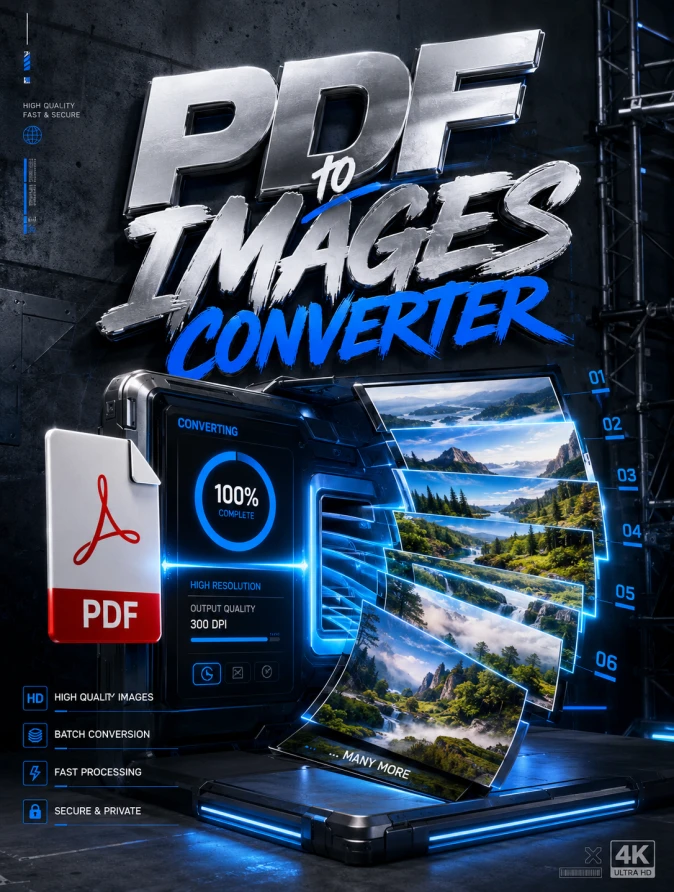
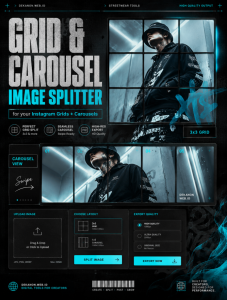
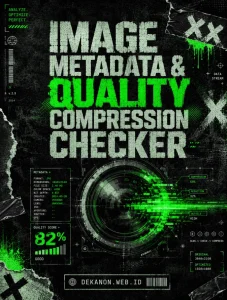
Commercial-grade graphic design poster with a 3:4 aspect ratio. The style is high-end Streetwear aesthetic. The focal point is a sleek, metallic digital interface transforming a PDF document into a cascade of vibrant, high-definition image frames. The typography prominently displays the headline 'PDF to Images Converter' in a bold, oversized streetwear font with a chrome finish. The background features a mix of raw concrete textures, subtle blue neon accents, and industrial scaffolding elements. Visual instructions: Place elements with proper breathing room, professional studio lighting with cinematic shadows, high-end textures like brushed steel and matte polycarbonate, and agency-grade post-production. The overall composition is a masterpiece of visual hierarchy, 4k resolution, award-winning design quality, using a harmonious professional palette of deep slate, electric blue, and stark white.
👁 89
Home
/
Webapp /
PDF to Images Converter |
DekaNon Labs
PDF to Images Converter
Labels
Web App
★★☆☆☆ |
Development |
Actively improving.
PDF to Images Converter
100% Free & Secure. Convert PDF pages to JPG/PNG instantly in your browser.
Click to select or drag & drop a PDF file
Supports multi-page PDF documents
Processing PDF...
Converted Images (0 Pages)
Ubah Halaman PDF Menjadi Gambar (JPG/PNG) Online Gratis Tanpa Batas
Pusing karena syarat upload dokumen harus berupa file gambar (JPG/PNG), padahal dokumen Anda berbentuk PDF? Kini Anda bisa mengubah setiap halaman PDF menjadi gambar berkualitas tinggi secara instan langsung di perangkat Anda.
Tanpa perlu instal aplikasi tambahan, tanpa daftar akun, dan 100% aman karena dokumen Anda diproses langsung di dalam browser tanpa di-upload ke server luar. Cukup drag & drop file PDF Anda, pilih format, dan download hasilnya dalam hitungan detik!
💬 Feedback (0)
📢 Latest Update
Tombol Download QR Code (.png): Hasil QR Code yang digenerate sekarang bisa langsung diunduh secara instan dalam format file PNG berkualitas tinggi.
Pilihan Tingkat Kerumitan (Error Correction Level): Ditambahkan kontrol untuk memilih tingkat kerumitan QR Code (Rendah / Sedang / Tinggi). Secara default sudah diset ke Sedang (Medium) agar tampilan garis-garis barcodenya tidak terlalu padat/rumit, namun tetap sangat mudah di-scan oleh kamera HP.