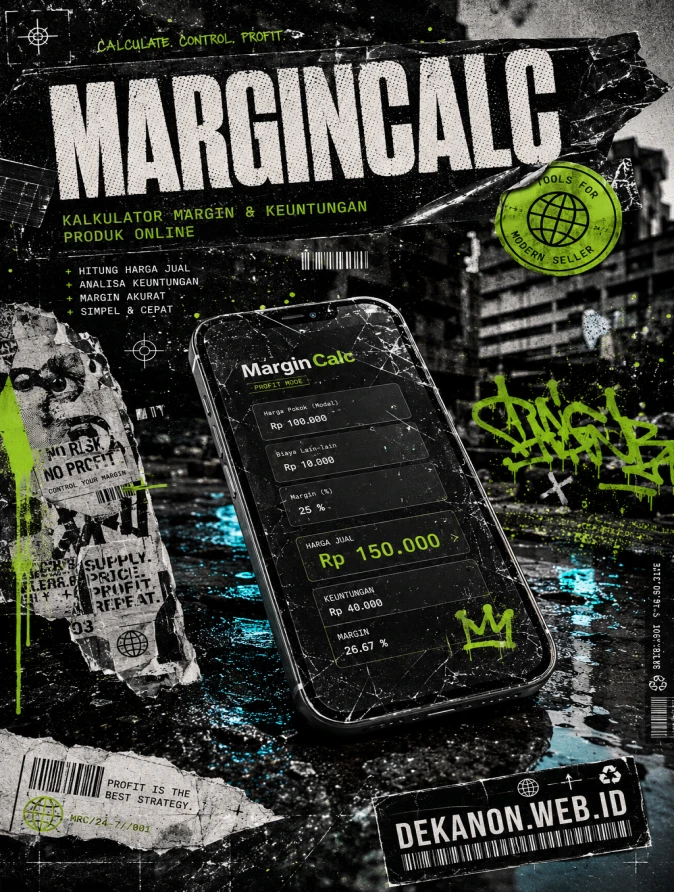
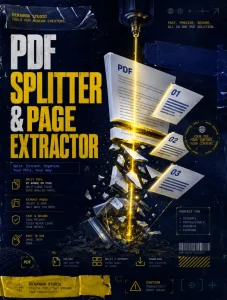
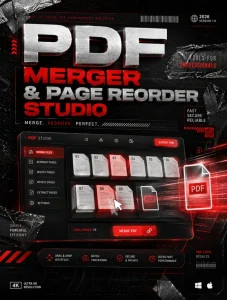
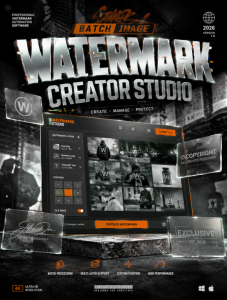
This is a professional Creative Direction brief and AI prompt for **MarginCalc**, tailored for a **Streetwear Grunge** aesthetic.
---
### 1. [Visual Prompt]
**Midjourney / DALL-E 3 Format:**
> **A high-impact, professional promotional flyer background for a web tool called "MarginCalc." The aesthetic is "Streetwear Grunge" meets "Modern Tech." The central focus is a high-end smartphone with a cracked screen protector, laying on a wet, dark asphalt street with neon-lit puddles. Surrounding the phone are layers of urban decay: torn wheat-paste posters, strips of black duct tape, and vibrant spray-paint graffiti tags in electric lime green and cyan. The image features heavy film grain, a 90s Xerox photocopy texture overlay, and high-contrast flash photography lighting. The color palette is dominated by charcoal blacks, concrete grays, and "Profit Green" accents. In the background, blurred brutalist architecture. 8k resolution, raw energy, distressed edges, ultra-detailed textures, anti-design style.**
---
### 2. [Agency Layout Tip]
To maintain the **Streetwear Grunge** look while ensuring the tool remains professional, follow this hierarchy:
* **Hero Title (MarginCalc):** Use a heavy, distorted sans-serif font (like *Helvetica* stretched or *druk wide*). Place it at the top, slightly overlapping a "sticker" graphic or a piece of digital "duct tape." Give it a subtle glitch effect.
* **Sub-title (Kalkulator Margin...):** Place this directly underneath the Hero Title in a clean, high-contrast monospace font (like *Courier* or *JetBrains Mono*). This creates a "coding/technical" contrast against the messy grunge background.
* **The "Call to Action" / URL (DEKANON.WEB.ID):** Design this as if it were a "Label Maker" sticker (black background, white blocky text) and place it at a slight 15-degree angle in the bottom right corner.
* **Whitespace Strategy:** In grunge design, "whitespace" isn't empty—it’s texture. Use the areas of the image with concrete or asphalt to place your text. Ensure you use a **Drop Shadow** or a **High-Contrast Outer Glow** (black) behind the text to ensure the "raw" background doesn't make the words unreadable.
* **Final Touch:** Add a "halftone" filter over the text layers in Photoshop to make them look like they were printed on a cheap 90s zine.
Built Kalkulator Margin Olshop with real-time IDR calculation: input harga beli, harga jual, dan biaya tambahan dinamis (ongkir, packaging, dll)
Tampilan dark mode 2 kolom — form di kiri, sticky preview panel di kanan dengan KPI cards, gauge chart margin, donut chart biaya, dan tabel breakdown
Print modal lengkap dengan ringkasan kalkulasi, tabel biaya, dan catatan analisis yang siap cetak/export PDF via browser
💬 Feedback (0)
📢 Latest Update
Tombol Download QR Code (.png): Hasil QR Code yang digenerate sekarang bisa langsung diunduh secara instan dalam format file PNG berkualitas tinggi.
Pilihan Tingkat Kerumitan (Error Correction Level): Ditambahkan kontrol untuk memilih tingkat kerumitan QR Code (Rendah / Sedang / Tinggi). Secara default sudah diset ke Sedang (Medium) agar tampilan garis-garis barcodenya tidak terlalu padat/rumit, namun tetap sangat mudah di-scan oleh kamera HP.